Should I scan a QR code to fix a missing 18jl deposit?
Leave the QR code unscanned. Open your wallet app directly, check the original transfer, and save its reference. Verify the 18jl site's address independently before using Customer Services or sharing a receipt. If you can't verify the site, use your wallet provider's in-app help for the transfer and keep the receipt private. Stop the conversation if asked to pay a personal wallet, send a release fee, or share a wallet PIN or one-time code.
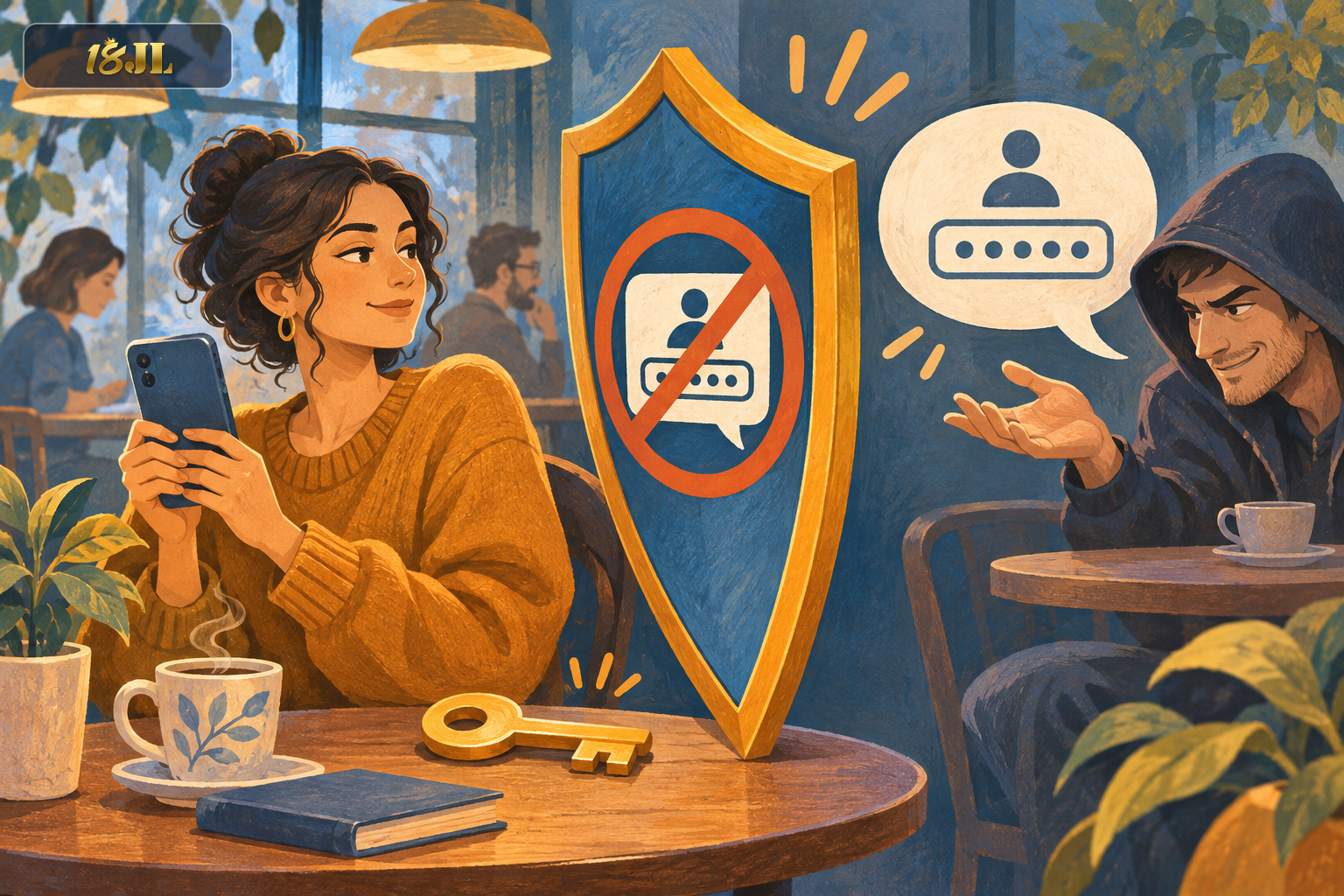
Start with the transfer you can see
Open your wallet app directly and look for the original transaction. Record its status, amount, time, recipient name, and reference number. If the wallet shows a completed transfer and the 18jl balance has not changed, you have two records to compare. The wallet record shows the transfer status. The account balance is a separate record that needs checking through the account channel. Keep both records and avoid sending a second payment to see whether it works.
Imagine you post a question about a missing deposit in a group. Someone with an 18jl logo as their profile picture replies privately. They say they can match the first transfer if you scan their QR code and send the same amount again. They may quote a detail from your post. Anyone who saw the post could repeat that detail, and the new QR request would create a separate payment. Close the chat and keep the original reference for your report.
Read the action the sender wants you to take
A fake support message can sound plausible because it names the problem you already have. Focus on what it asks you to do. A QR code or payment link can take you to a destination chosen by the sender. A request for a fee can turn a missing payment into a second loss. A request for a code can put your wallet or account at risk.
| Request in the message | What to check | What to do next |
|---|---|---|
| Scan a QR code to resend the deposit | The original transaction in your wallet history | Leave the code unscanned and keep the reference |
| Pay a release fee to a personal wallet | Whether your account issue can be verified through independently reached support | Stop the conversation without making a transfer |
| Read out your one-time code or wallet PIN | Whether any security alert appears in the wallet app you opened yourself | Keep the code and PIN private and use the wallet's own help route |
Choose the next step based on what you shared
- You only received the message. Save a screenshot showing the sender and request. Use the reporting option on the messaging service if available.
- You opened a page and entered a password. Open the affected service independently and change the password there. Change it anywhere else you reused it, and review any available account activity for unfamiliar changes.
- You shared a wallet PIN or a one-time code. Contact your wallet provider promptly through its own app, follow its steps to secure access, and check for unfamiliar activity.
- You sent money. Stop further transfers. Report the payment through the wallet provider's official help route with the transaction reference, recipient details, and screenshots. Keep the records private and reject follow-up offers that ask for another payment to recover the first one.
Questions that come up during a payment dispute
What if the recipient name looks like a business?
A familiar name gives you a detail to record. It does not establish who sent the QR code or whether the payment belongs to your account. Verify the issue through a channel you reached independently before acting on any new payment request.
Can I send a receipt to someone who says they work for 18jl?
First, verify the site's exact address through a trusted source you reach independently of the message. A mirror can look familiar and copy the Customer Services label. Once you've verified the site, open Customer Services from there and confirm whether a receipt is needed and where to submit it. Share only the transaction details needed for the case, and keep any unrelated balances, personal information, and security codes out of the image. If you can't verify the site, keep the receipt private and use your wallet provider's in-app help for the transfer.
What if the wallet shows the payment is still pending?
Check the pending status with the wallet provider through its own app. Keep the transaction reference so you can follow up on that payment. Sending again can create a separate transfer while the first is still unresolved.
Keep the wallet report and account inquiry separate
Ask the wallet provider about the transfer status or any suspicious activity. If the problem is a missing account credit, use the independently reached account channel to ask about the original reference. Keep both replies together so you can track which issue each one addresses.